
Why Your Gaming PC Feels Slow Even With Good Specs (And How to Fix It Fast)
Your gaming PC shouldn’t feel slow with good specs — but it happens. Here are the real reasons and quick fixes that actually work.
GAMING GUIDES
MundialGame
4/26/20261 min read
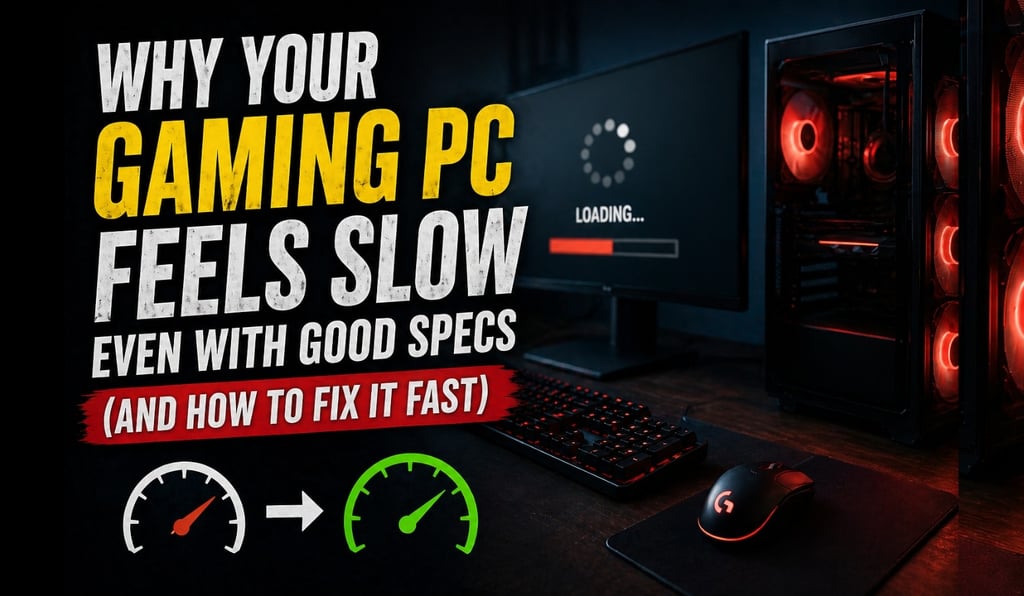
Your PC Is Good — So Why Does It Feel Slow?
You bought a solid gaming PC.
Good GPU. Decent CPU. Enough RAM.
But somehow…
👉 Games stutter
👉 FPS drops randomly
👉 Everything feels slower than it should
If that sounds familiar, you’re not alone.
The Problem Isn’t Always Your Hardware
Most players assume:
👉 “My PC is weak”
But the truth is:
👉 In many cases, your PC is being misused — not underpowered
1. Background Apps Are Killing Your Performance
Even strong PCs suffer when running:
Browsers with multiple tabs
Launchers (Steam, Epic, etc.)
Discord overlays
Auto-updaters
👉 These quietly eat CPU and RAM.
2. Your Drivers Might Be Holding You Back
Outdated GPU drivers can:
Reduce FPS
Cause stuttering
Break optimization
👉 Always keep them updated.
3. Thermal Throttling (Hidden Performance Killer)
If your PC is overheating:
👉 It automatically slows down
Signs:
FPS drops after a few minutes
Fans getting loud
Sudden performance dips
4. Storage Matters More Than You Think
Running games on HDD?
👉 That alone can cause:
Slow loading
Texture pop-in
Micro-stutter
👉 SSD is almost mandatory today.
5. Wrong In-Game Settings
Many players:
Max everything out
Ignore heavy settings like shadows and reflections
👉 That destroys performance unnecessarily.
6. Windows Settings Can Hurt Gaming
Things like:
Power mode
Background services
Game Mode disabled
👉 All affect performance.
Quick Fix Checklist (Do This Now)
✔ Close background apps
✔ Update GPU drivers
✔ Clean your PC (dust + airflow)
✔ Lower heavy settings (shadows, reflections)
✔ Use SSD if possible
✔ Restart your PC before gaming
Final Thoughts
A slow gaming PC doesn’t always mean bad hardware.
Most of the time, it’s:
👉 Poor optimization
👉 Overloaded system
👉 Wrong settings
Fix those — and your PC might feel brand new again.
Sources
MUNDIALGAME
Practical gaming guides, honest reviews, and budget-friendly advice for PC, PS5, Xbox, Nintendo Switch, and Steam Deck player
Contact
Newsletter
contact@mundialgame.com
© 2026. All rights reserved.